
What Should a Cheap Gaming PC Include?
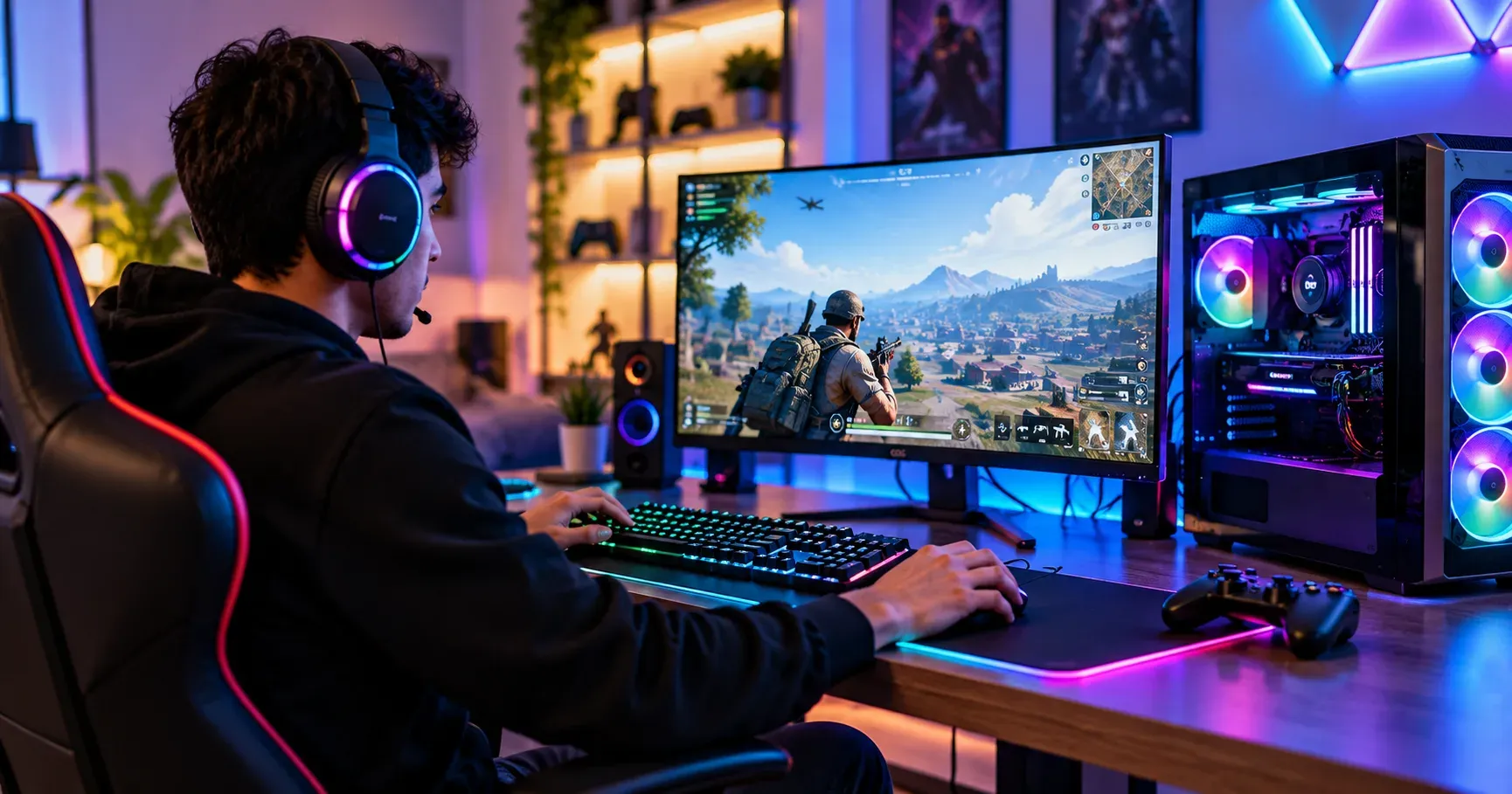
Building or buying a gaming PC on a limited budget does not mean you have to settle for a poor gaming experience. A well-planned system can run popular games smoothly, handle everyday tasks, and provide room for future upgrades. The key is choosing components that offer good performance without spending money on features you do not really need.
When shopping for a cheap gaming PC Dubai, it is important to understand which components matter most. Instead of focusing on flashy designs or expensive accessories, prioritise the processor, graphics card, RAM, storage, and power supply.
Let's look at what a budget gaming PC should include.
A Capable Processor (CPU)
The processor is one of the most important components of a gaming computer. It handles game calculations, background tasks, and communication between different hardware components.
For a budget gaming setup, look for a modern entry-level or mid-range processor. Suitable options may include:
-
AMD Ryzen 5 series
-
Intel Core i3 newer generations
-
Intel Core i5 newer generations
A good processor helps prevent performance limitations and keeps your computer responsive while gaming.
You do not necessarily need an expensive CPU. Choose one that matches your graphics card and gaming requirements.
A Dedicated Graphics Card (GPU)
The graphics card has a major impact on gaming performance. It processes visual information and determines how smoothly many games run.
If you want to play modern games, a dedicated GPU is generally a worthwhile investment. Budget-friendly options from NVIDIA and AMD can provide a good starting point.
Consider the following when choosing a graphics card:
-
Available video memory (VRAM)
-
Gaming performance at your preferred resolution
-
Power consumption
-
Cooling requirements
-
Compatibility with your processor
For many budget gamers, 1080p gaming is a practical starting point. You can enjoy a wide range of games without paying extra for high-resolution performance you may not need.
At Least 16GB of RAM
RAM allows your computer to manage active programs and game data. Having enough memory helps prevent unnecessary slowdowns, especially when several applications are running.
For a modern budget gaming PC, 16GB of RAM is a sensible starting point.
A few useful recommendations include:
-
Choose DDR4 or DDR5 depending on motherboard compatibility.
-
Use two memory sticks when possible to enable dual-channel operation.
-
Check the motherboard's supported memory speed.
-
Consider 32GB if your budget and workload justify it.
Although 8GB may work for basic tasks and some older games, 16GB provides more flexibility for modern gaming.
Fast SSD Storage
Storage affects how quickly your computer starts, loads games, and opens applications.
A solid-state drive (SSD) is strongly recommended over relying entirely on a traditional hard drive.
For a cheap gaming PC, consider:
-
500GB SSD for a basic gaming library.
-
1TB SSD for more games and applications.
-
NVMe SSD for fast storage performance.
If you regularly install large games, additional storage can be useful. You can always add another SSD when your budget allows.
A Reliable Power Supply
The power supply unit (PSU) provides electricity to every major component. Choosing a low-quality power supply just to reduce the purchase price can create unnecessary problems.
Look for a reputable PSU with enough wattage for your processor and graphics card.
Before purchasing, check:
-
Total wattage requirements.
-
Appropriate power connectors.
-
Safety and efficiency certifications.
-
Manufacturer reputation.
-
Warranty coverage.
A reliable power supply also makes future hardware upgrades easier.
A Compatible Motherboard
The motherboard connects all the computer components and allows them to communicate.
A budget motherboard should provide the features you actually need without charging extra for unnecessary options.
Check CPU socket compatibility, RAM support, storage connections, expansion slots, and available USB ports.
You should also consider future upgrades. A motherboard with suitable expansion options can help extend the useful life of your gaming PC.
Proper Cooling and Airflow
Gaming computers generate heat, particularly when running demanding games for extended periods.
A budget gaming PC should include an appropriate CPU cooler and a case with reasonable airflow.
Look for a case that provides:
-
Front or side ventilation.
-
Space for additional fans.
-
Good cable management.
-
Enough room for your graphics card.
-
Dust filters where practical.
You do not need expensive liquid cooling for an entry-level gaming setup. A suitable air cooler and well-ventilated case are often enough.
A Suitable Gaming Monitor
Your gaming experience also depends on the monitor. Buying powerful hardware without an appropriate display can limit what you get from your system.
For most budget gamers, a 1080p monitor is a sensible choice.
Consider these features:
-
Full HD resolution.
-
75Hz or higher refresh rate.
-
Suitable response time.
-
Adaptive sync support where available.
-
Comfortable screen size.
A higher refresh rate can make supported games feel smoother, particularly when your PC can produce enough frames per second.
Keyboard, Mouse, and Other Accessories
A gaming PC is not complete without the right accessories. However, beginners do not need to spend a large amount on premium gaming equipment.
Start with a comfortable keyboard, a responsive mouse, and a reliable headset if you play multiplayer games.
You can upgrade your accessories later as your needs change.
What Should You Prioritise When Buying in Dubai?
If you are searching for a cheap gaming PC Dubai, compare complete specifications rather than choosing a computer based only on its advertised price.
Two computers may have similar prices but very different gaming performance. One might include a stronger graphics card, while another spends more money on RGB lighting, decorative features, or unnecessary accessories.
Compare component models, warranties, upgrade options, and overall condition. If you are considering a used PC, check its hardware condition and ask for a proper performance test.
Also, remember that the cheapest available option is not always the best value.
Conclusion
A good cheap gaming PC should include a capable processor, dedicated graphics card, 16GB RAM, fast SSD storage, reliable power supply, compatible motherboard, and proper cooling. A suitable monitor and comfortable accessories complete the setup.
The best approach is to spend your budget on performance rather than appearance. By comparing specifications and choosing balanced components, you can build or buy a gaming computer that delivers enjoyable performance without unnecessary expenses.
Whether you are a beginner or an experienced player, a carefully selected budget PC can be a practical starting point for gaming and everyday computing.
 English
 Arabic
 French
 Spanish
 Portuguese
 Deutsch
 Turkish
 Dutch
 Italiano
 Russian
 Romaian
 Portuguese (Brazil)
 Greek