
Brat Text Generator – Type Your Text and Get a Brat Image Instantly
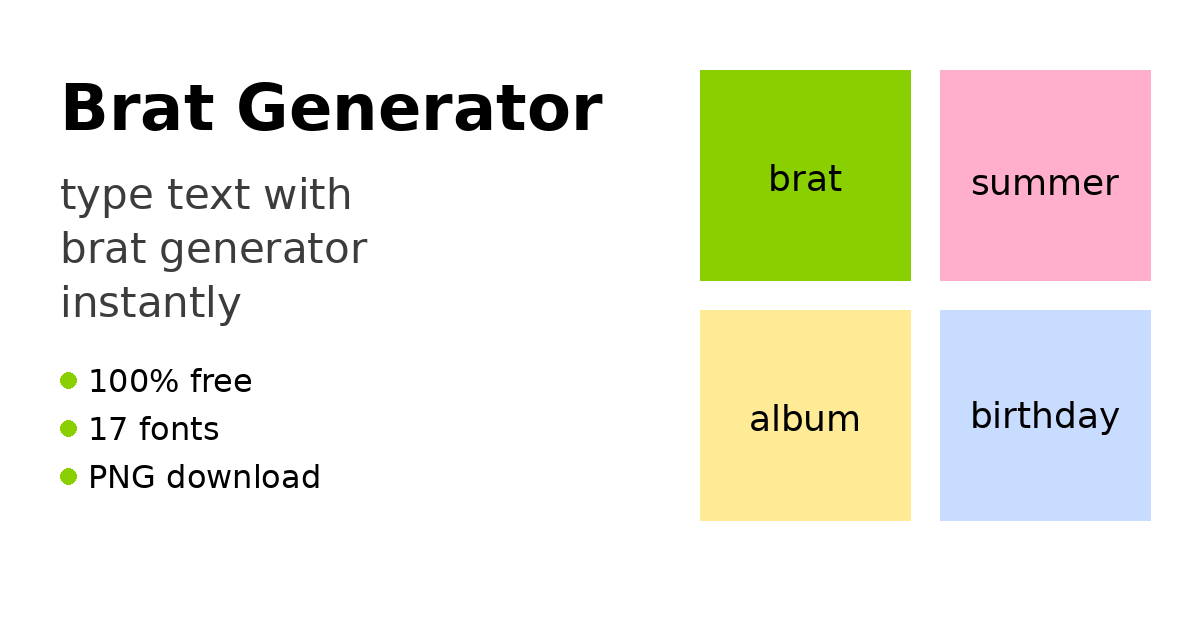
You type a line, and the picture is already taking shape. That is the fun of this Brat Generator. There is no blank design file, no long setup, and no need to learn editing tools. You write a name, a short joke, or a line you want to post, and you see it in brat style right away.
Short text works best here. A single word can carry a whole mood. A two or three word phrase can feel like a cover, a joke, or a small poster for a birthday post, a playlist, or a group chat meme.
Begin With a Line Worth Sharing
Start with words that are clear at a quick glance. Names, nicknames, and short phrases read well because the letters stay large and bold. A song title, a team name, or a funny inside joke can work in seconds.
If your line is longer, do not worry. The design fits long text on its own, so your words stay inside the picture. You can still check the preview and set the size until it feels balanced and easy to read.
Why This Brat Generator Feels Instant
The preview updates while you type, so you are not guessing the final look. Each change shows at once. Try a different font, switch the background, and compare looks without starting again.
When you are ready, open the Brat Generator and type your line first, before you change any settings. Seeing your own words on screen makes every later choice easier. Pick the font that matches your mood, then set a color that helps your words stand out.
There are 17 font styles to test. Some look neat, others feel louder. The background starts in classic brat green #8ACF00, but the picker lets you use any color you like.
Type, Adjust, and Download in a Few Taps
Step 1: Type your word or short line in the text box.
Step 2: Check the live preview and pick one of the 17 fonts.
Step 3: Choose your background color, or keep the classic green.
Step 4: Move the size slider, from 20px to 120px, until the text fits well.
Step 5: Add a light blur only if you want a softer finish.
Step 6: Download your image as a PNG and post or share it.
These steps stay the same on mobile, tablet, laptop, and desktop, with no sign-up and no watermark on the saved image.
Small Choices That Make It Look Better
Keep space around your words. If text fills every edge, it can feel crowded. A middle size often reads better than the largest size. Test how it looks small too, as in a phone feed.
Match the color to the job. Green gives the classic cover feel. Pink can suit a birthday post, yellow feels bright for summer words, and white gives a clean base for a profile picture. A flat color stays simple to share on Instagram, TikTok, WhatsApp, and X.
Frequently Asked Questions
Can I turn a name into a birthday brat image?
Yes, a name with a short wish makes a lovely birthday post. Type the name and one kind line, pick a bright color like pink or yellow, choose a playful font, and download the PNG to share.
Can I make a fake album cover for a playlist?
Yes, use a playlist name or a made up album title as your text. Keep it short, use the classic green background for the cover feel, set a bold size, and save the clean PNG file.
How fast do I get my image after typing?
You see your design right away in the live preview, and you can download it as soon as it looks right. There is no waiting step, no account to make, and your picture saves as a PNG instantly.
Conclusion
Good brat images start with simple words. Type your line, watch it change live, pick a font and color you like, and save a clean picture in moments. Try a name, a joke, or a cover title today.

 Greek
 English
 Arabic
 French
 Spanish
 Portuguese
 Deutsch
 Turkish
 Dutch
 Italiano
 Russian
 Romaian
 Portuguese (Brazil)