
How to Prevent Your Smartphone from Overheating During Daily Use
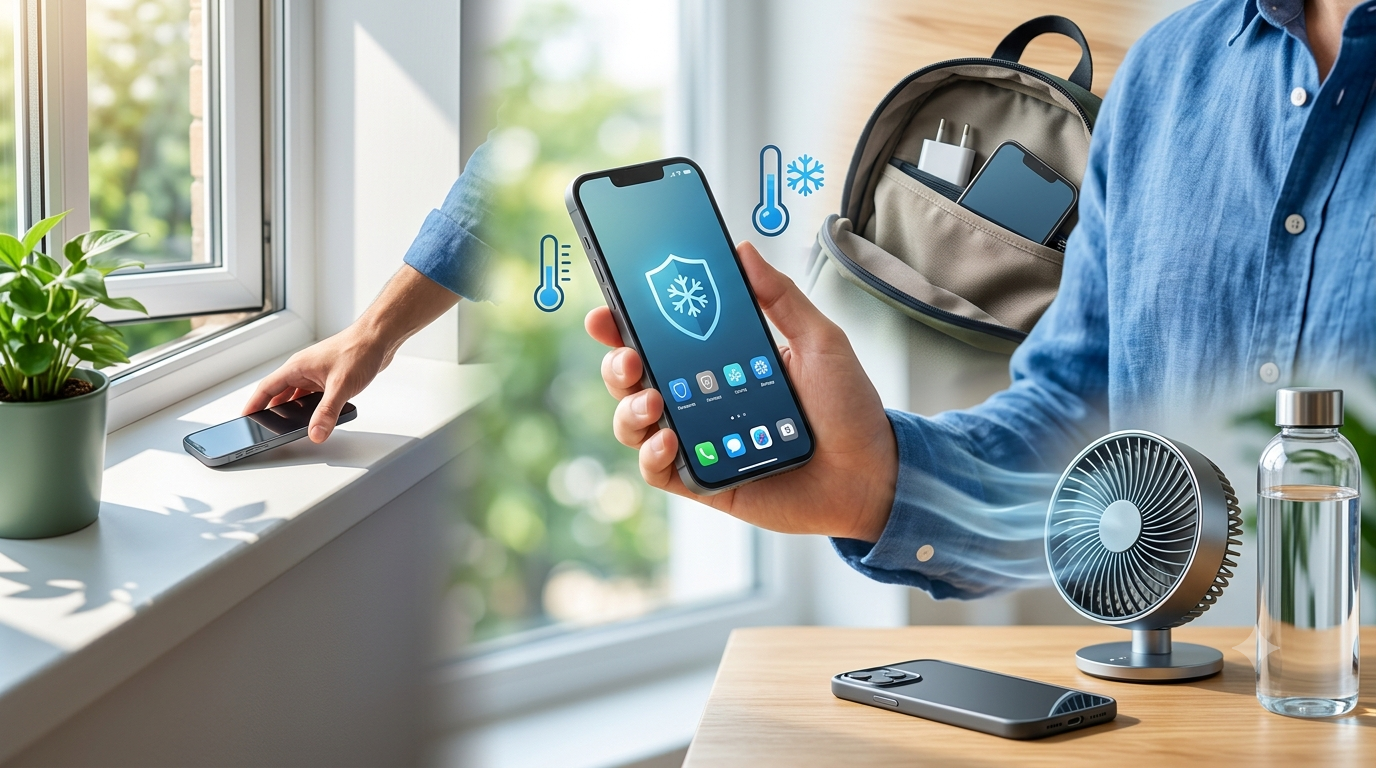
Smartphones are powerful devices capable of handling everything from business tasks and video streaming to gaming and photography. However, because they perform so many demanding functions within a compact design, they naturally generate heat during operation. While a slight increase in temperature is normal, excessive overheating should never be ignored. Persistent overheating can reduce battery life, slow device performance, damage internal components, and even shorten the overall lifespan of your smartphone. Understanding the causes of overheating and adopting simple preventive measures can help keep your device performing efficiently for years. At NanoTech Mobile, experienced technicians provide professional diagnostics and repair solutions for overheating smartphones and other mobile device issues. Whether you need reliable iphone repair in regina for an Apple device or trusted samsung phone repair in regina for a Samsung smartphone, taking preventive steps can minimise overheating and reduce the likelihood of expensive repairs.
Why Smartphones Overheat
A smartphone produces heat whenever its processor, battery, and other internal components are working. Activities that require significant processing power naturally generate more heat.
Common causes of overheating include:
- Playing graphics-intensive games.
- Streaming high-definition videos.
- Using GPS navigation for long periods.
- Recording 4K or high-resolution videos.
- Running multiple applications simultaneously.
- Charging the phone while using demanding apps.
Although these activities are normal, excessive or prolonged heat can affect your device's performance if proper precautions are not taken.
Avoid Using Your Phone in Direct Sunlight
Environmental temperatures have a significant impact on smartphone performance.
Leaving your device in direct sunlight or inside a hot vehicle can quickly raise its internal temperature.
To reduce heat exposure:
- Keep your phone out of direct sunlight.
- Avoid leaving it on a car dashboard.
- Store it in a shaded location when outdoors.
- Keep it away from other heat sources.
Protecting your smartphone from excessive external heat helps maintain battery health and overall system stability.
Close Unnecessary Background Applications
Many applications continue running even after they are no longer being actively used. These background processes consume processing power, memory, and battery energy, increasing heat production.
Regularly closing unnecessary applications can:
- Reduce processor workload.
- Improve battery efficiency.
- Lower device temperature.
- Increase overall responsiveness.
Managing background applications is one of the easiest ways to improve smartphone performance.
Keep Your Software Updated
Software updates often include performance improvements, bug fixes, and battery optimisation features.
Outdated software may cause:
- Higher processor usage.
- Increased battery consumption.
- Application conflicts.
- Reduced efficiency.
Installing operating system updates and keeping applications current can help your smartphone manage resources more efficiently and reduce unnecessary heat generation.
Avoid Charging While Gaming or Streaming
Using your smartphone for demanding activities while charging creates additional stress on both the processor and battery.
This combination often causes:
- Increased heat generation.
- Slower charging speeds.
- Faster battery wear.
- Reduced charging efficiency.
Whenever possible, allow your phone to charge without simultaneously running graphics-intensive applications or extended video streaming sessions.
Remove Thick or Poorly Ventilated Phone Cases
Protective cases provide excellent protection against accidental drops, but some thick cases may trap heat during heavy use.
If your phone becomes noticeably warm:
- Remove the case temporarily.
- Allow the device to cool naturally.
- Avoid covering ventilation areas.
Using a high-quality case that balances protection with heat dissipation can improve thermal performance.
Reduce Screen Brightness
The display is one of the largest consumers of battery power.
Keeping screen brightness unnecessarily high increases energy consumption and contributes to additional heat production.
Consider:
- Using automatic brightness adjustment.
- Reducing brightness indoors.
- Enabling dark mode when available.
- Turning off the display when not in use.
These small adjustments can improve battery life while helping maintain a lower operating temperature.
Limit Intensive Gaming Sessions
Modern mobile games require substantial processing power.
Extended gaming sessions can place continuous demand on:
- The processor.
- Graphics hardware.
- Memory.
- Battery.
To minimise overheating:
- Take short breaks during gaming.
- Lower graphics settings if available.
- Close background applications before launching games.
- Avoid gaming while charging.
Allowing the device time to cool between sessions helps protect internal components.
Maintain Adequate Storage Space
A nearly full storage drive can negatively affect smartphone performance.
Limited available storage may result in:
- Slower application performance.
- Increased background activity.
- Longer processing times.
- Higher processor usage.
Regularly removing unnecessary files, duplicate photos, unused applications, and temporary data can improve system efficiency and reduce heat generation.
Use Certified Charging Accessories
Low-quality or incompatible charging accessories may affect charging performance and contribute to overheating.
For safe charging:
- Use manufacturer-approved chargers.
- Replace damaged charging cables.
- Avoid counterfeit accessories.
- Disconnect damaged charging equipment immediately.
Reliable charging accessories help maintain battery health and reduce unnecessary stress on the charging system.
Keep Charging Ports Clean
Dust, lint, and debris inside the charging port can interfere with proper charging and sometimes contribute to excessive heat.
Signs of charging port contamination include:
- Loose charging connections.
- Slow charging.
- Intermittent charging.
- Difficulty inserting the charging cable.
Professional cleaning can safely remove debris without damaging delicate internal components.
Restart Your Smartphone Regularly
Many users leave their smartphones running continuously for days or even weeks.
Restarting your phone periodically can:
- Clear temporary system files.
- Refresh background processes.
- Improve memory management.
- Enhance overall performance.
A simple restart often helps reduce unnecessary processor activity and improves system efficiency.
Know When Overheating Indicates a Hardware Problem
While occasional warmth is normal, persistent overheating may indicate an underlying hardware issue.
Professional inspection is recommended if your smartphone:
- Becomes extremely hot during light use.
- Frequently shuts down because of heat.
- Experiences rapid battery drain.
- Shows charging problems.
- Restarts unexpectedly.
- Overheats after accidental drops or liquid exposure.
These symptoms may indicate battery deterioration, charging circuit faults, motherboard problems, or other internal hardware issues.
Why Professional Diagnostics Matter
Overheating symptoms can have many different causes, making accurate diagnosis essential.
Professional technicians can evaluate:
- Battery health.
- Charging system performance.
- Internal hardware.
- Software stability.
- Signs of physical or liquid damage.
Comprehensive diagnostics help identify the actual source of overheating and reduce unnecessary component replacement.
Conclusion
Preventing smartphone overheating involves a combination of good daily habits and timely professional maintenance. Avoiding direct sunlight, limiting intensive gaming, keeping software updated, managing background applications, using quality charging accessories, and maintaining sufficient storage can significantly reduce heat generation and improve device performance. However, persistent overheating should never be ignored, as it may indicate an underlying hardware problem requiring professional attention. At NanoTech Mobile, experienced technicians provide comprehensive diagnostics and expert repair services for overheating smartphones and a wide range of mobile device issues. Whether you need dependable iphone repair in regina for an Apple device or trusted samsung phone repair in regina for a Samsung smartphone, professional repair solutions can restore reliable performance, improve device safety, and help extend the lifespan of your smartphone.

 English
 Arabic
 French
 Spanish
 Portuguese
 Deutsch
 Turkish
 Dutch
Dutch
 Russian
 Romaian
 Portuguese (Brazil)
 Greek
Greek